
When someone types “physiotherapist near me” or “CA in Kankarbagh”, Google usually shows a map with three businesses before any normal website. Those three get most of the calls. If you run a local business in India, that little map box can matter more than your whole website.
Quick answer: To rank higher on Google Maps in India, claim and verify your Google Business Profile, pick the right categories, fill in every field, keep adding real photos and collect genuine reviews. Google ranks local results on relevance, distance and prominence, and there is no way to pay for a better Maps ranking.
The good news: you do not need a big budget to get into it. You need a complete profile, real reviews and a bit of patience. This guide walks through what works, in the order I would do it.
How Google decides who shows on the map
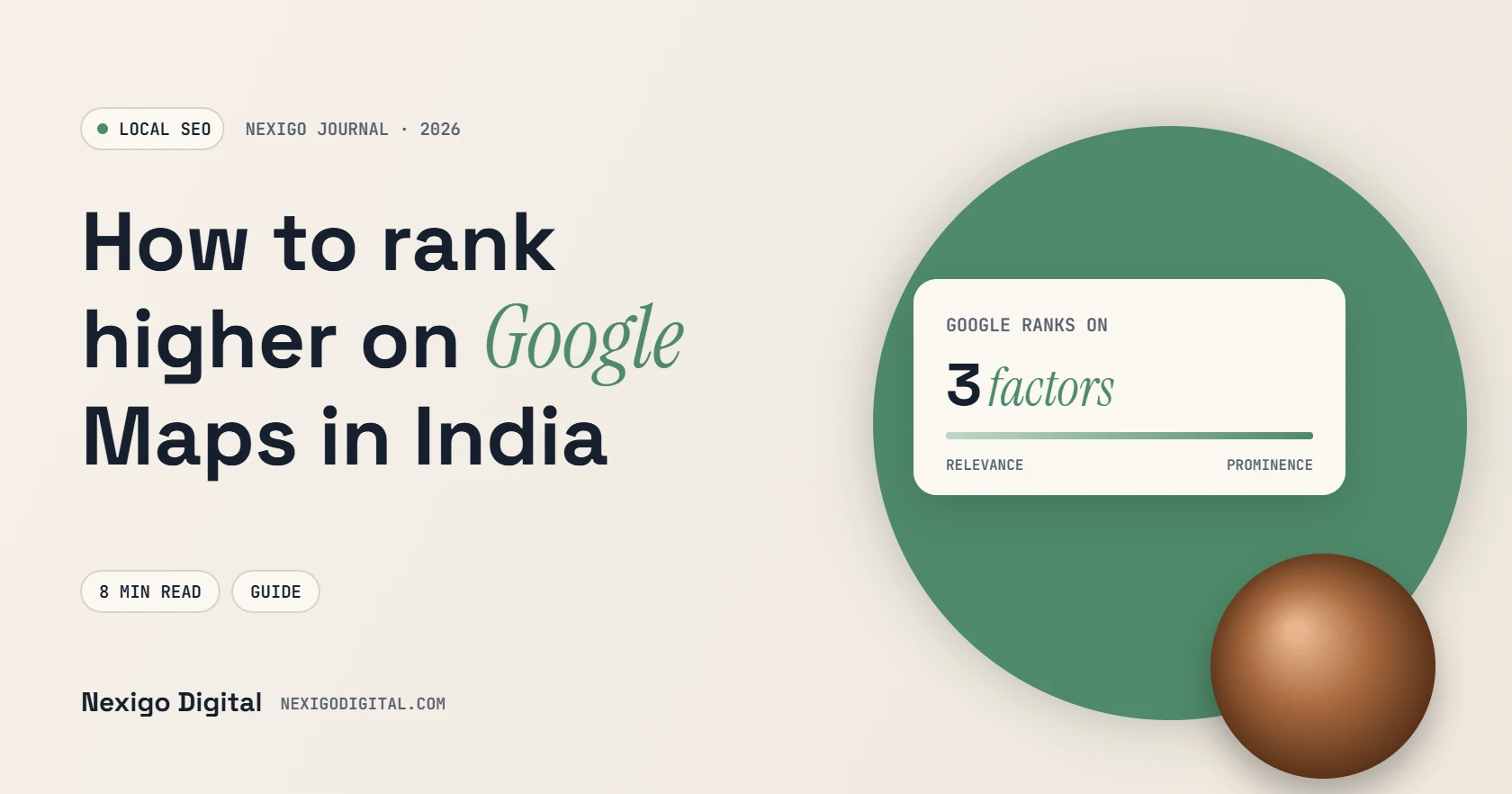
Google is unusually open about this. Its local ranking help page names three factors:
- Relevance: how well your profile matches what the person searched for.
- Distance: how far you are from the searcher, or from the area they mentioned.
- Prominence: how well known you are, based on things like reviews, ratings and links from other websites.
You cannot move your shop closer to every customer, so the work goes into relevance and prominence. Google also says plainly that there is no way to pay for a better local ranking. Anyone selling “guaranteed Maps ranking” is selling something Google does not offer.
Step 1: claim and verify your profile
Search your business name on Google Maps. If a profile already exists, claim it. If not, create one at business.google.com and complete verification. Unverified profiles rarely rank well, and anyone could suggest edits to them.
If customers do not visit you (a plumber, a home tutor, a web designer working from home), set up a service-area business. You hide your address and list the areas you serve instead. That is fully allowed.
Step 2: pick the right categories
Your primary category is the single biggest relevance signal you control. Choose the most specific one that fits, such as “Dental clinic” rather than “Doctor”, or “Coaching center” rather than “School”. Then add a few secondary categories for other things you genuinely offer.
A quick trick: search your main keyword, open the top three competitors on Maps and see which categories they use. Do not copy blindly, but it shows you what Google already associates with that search.
Step 3: fill in everything
- Exact business name, the way it appears on your signboard. Do not stuff keywords like “Best Dentist Patna” into the name; that can get you suspended.
- Phone number that you actually answer, ideally the same one on your website.
- Opening hours, including special hours for festivals and holidays.
- Services or products with short descriptions and prices where it makes sense.
- A plain-language description of what you do and who you serve.
- Attributes such as wheelchair access, parking or online appointments.
Step 4: add real photos, and keep adding them
Upload photos of the outside of your premises (so people can find you), the inside, your team and your work. Real photos beat stock images every time. Adding a few new ones every month also shows Google and customers that the business is active.
Step 5: build a steady flow of genuine reviews
Reviews feed prominence, and they are often what makes someone choose you over the business next door. The trick is to make asking for a review a habit, not a one-time campaign:
- Copy your review link from the Business Profile dashboard.
- Send it on WhatsApp right after a good experience, while the customer is still happy.
- Keep the message short and personal. “Thank you for coming in today, it would really help us if you left a quick review” works better than a long template.
- Reply to every review, good or bad, within a day or two.
Never buy reviews, write them for customers, or offer discounts in exchange for five stars. Google’s policies prohibit fake and incentivised reviews, and profiles do get suspended for it.
Step 6: keep your details identical everywhere
Your name, address and phone number should match on your website, Google, JustDial, Sulekha, IndiaMART, Facebook and any other directory. Small differences (“Shop No. 4” in one place, “Shop 4” in another) are fine, but different phone numbers or old addresses confuse both Google and customers.
Step 7: post updates every week
Business Profile posts let you share offers, new services, events and photos. They will not rocket you to the top on their own, but they keep your profile fresh and give searchers one more reason to call.
Step 8: make your website back it up
Google looks at your website too. Make sure it has a clear page for each main service, your address and phone number on every page, an embedded map and fast mobile loading. A city page only makes sense where you really serve customers. If you need help with the site side, see our website design service.
What not to do
- Do not create profiles for addresses where you have no real office. Virtual offices and fake addresses are a common reason for suspension.
- Do not add city names or keywords to your business name.
- Do not create duplicate profiles for the same location.
- Do not trust anyone who promises a guaranteed top-three spot.
How long does it take?
A complete, correctly categorised profile can start appearing for more searches within a few weeks. Strong positions in competitive areas take months, because reviews and reputation build slowly. Track calls, direction requests and website clicks in your profile’s performance tab every month, not just your ranking.
Want a hand with it?
Our local SEO and Google Business Profile service covers setup, categories, photos, a review system and citations, with a simple monthly report. Or send us your profile link on WhatsApp for a free quick check.
Frequently asked questions
How can I rank my business on Google Maps for free?
Verify your Business Profile, choose the most specific category, fill in every detail, add real photos, collect genuine reviews regularly and keep your name, address and phone the same everywhere. None of this costs money, only time.
Can I pay Google to rank higher on Maps?
No. Google states there is no way to pay for a better local ranking. You can run paid local ads, but those are labelled as ads and are separate from the normal map results.
How many reviews do I need to rank on Google Maps?
There is no fixed number. What matters is having more genuine, recent reviews than the businesses you compete with, and replying to them.
Why is my business not showing on Google Maps?
Common reasons are an unverified profile, a suspended profile, the wrong primary category, missing details, or simply stronger competitors closer to the searcher.
Can I list my business in a city where I have no office?
No. A Business Profile must represent a real location where you serve customers, or be set up as a service-area business with a hidden address.
Need help with this?
Get a website that brings enquiries, not just visitors.
Send me your current website or idea on WhatsApp. I'll reply personally with honest advice and a clear quote.

Written by
Sourabh Kumar Pandit
I have been building websites and running SEO and ad campaigns for Indian businesses since 2021, with 200+ projects for 180+ clients from Delhi and Bangalore. I write these guides from what actually works on real client projects.